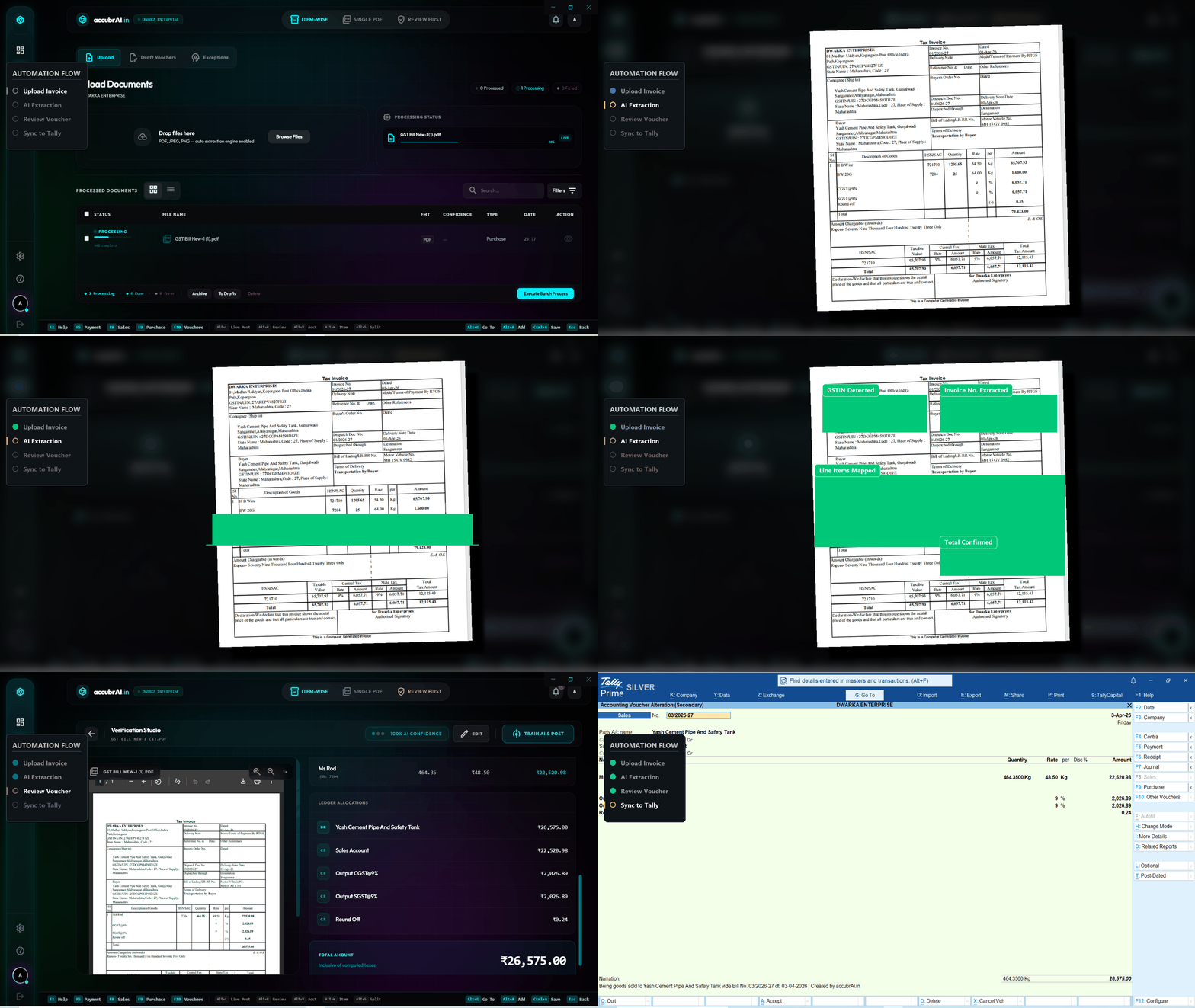
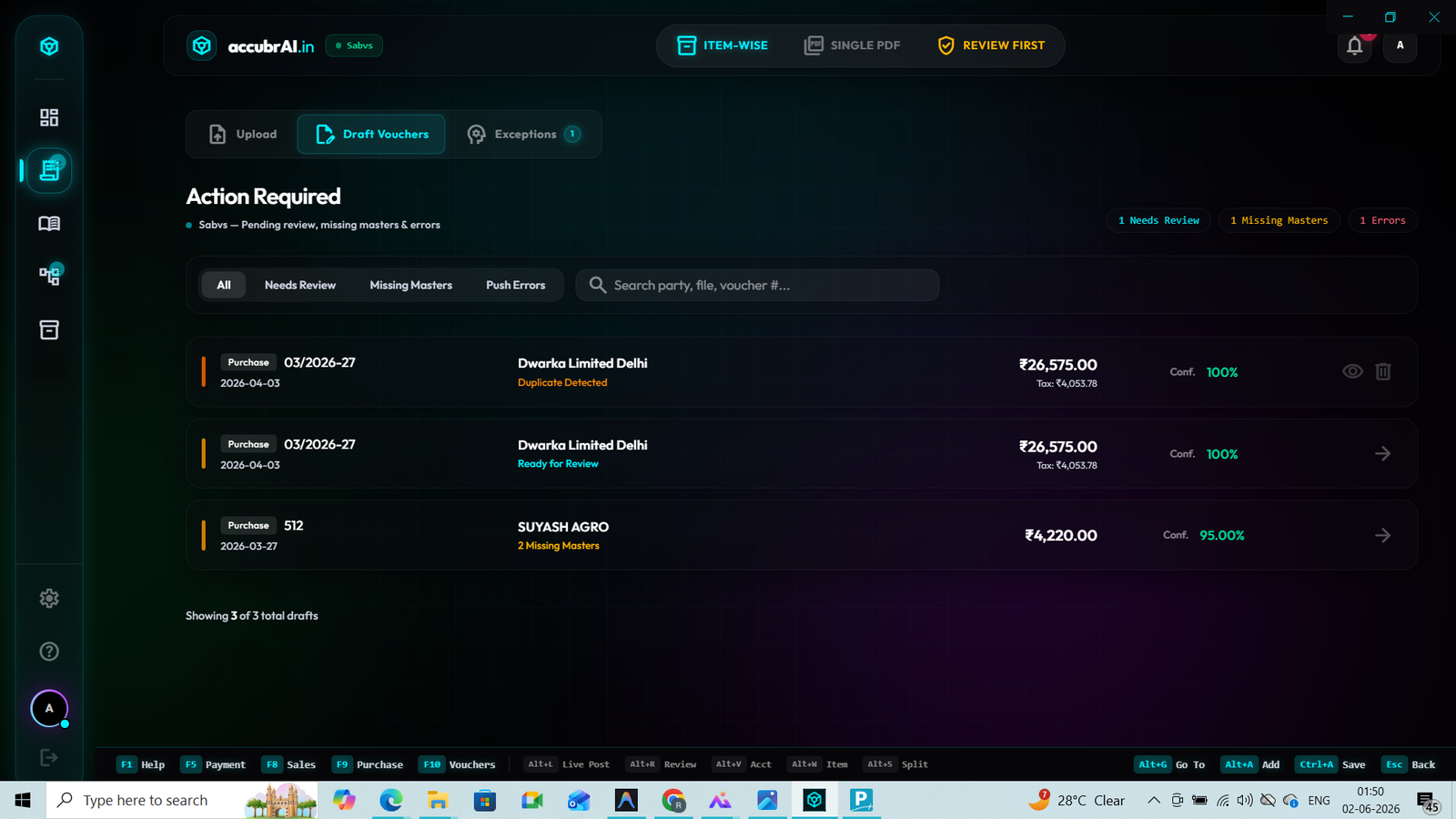
For years, accountants have relied on clunky Excel macros to push data into Tally. If one column is misaligned, the whole XML import crashes. The search for a reliable excel to tally import utility free often leads to broken templates and corrupted ledgers.
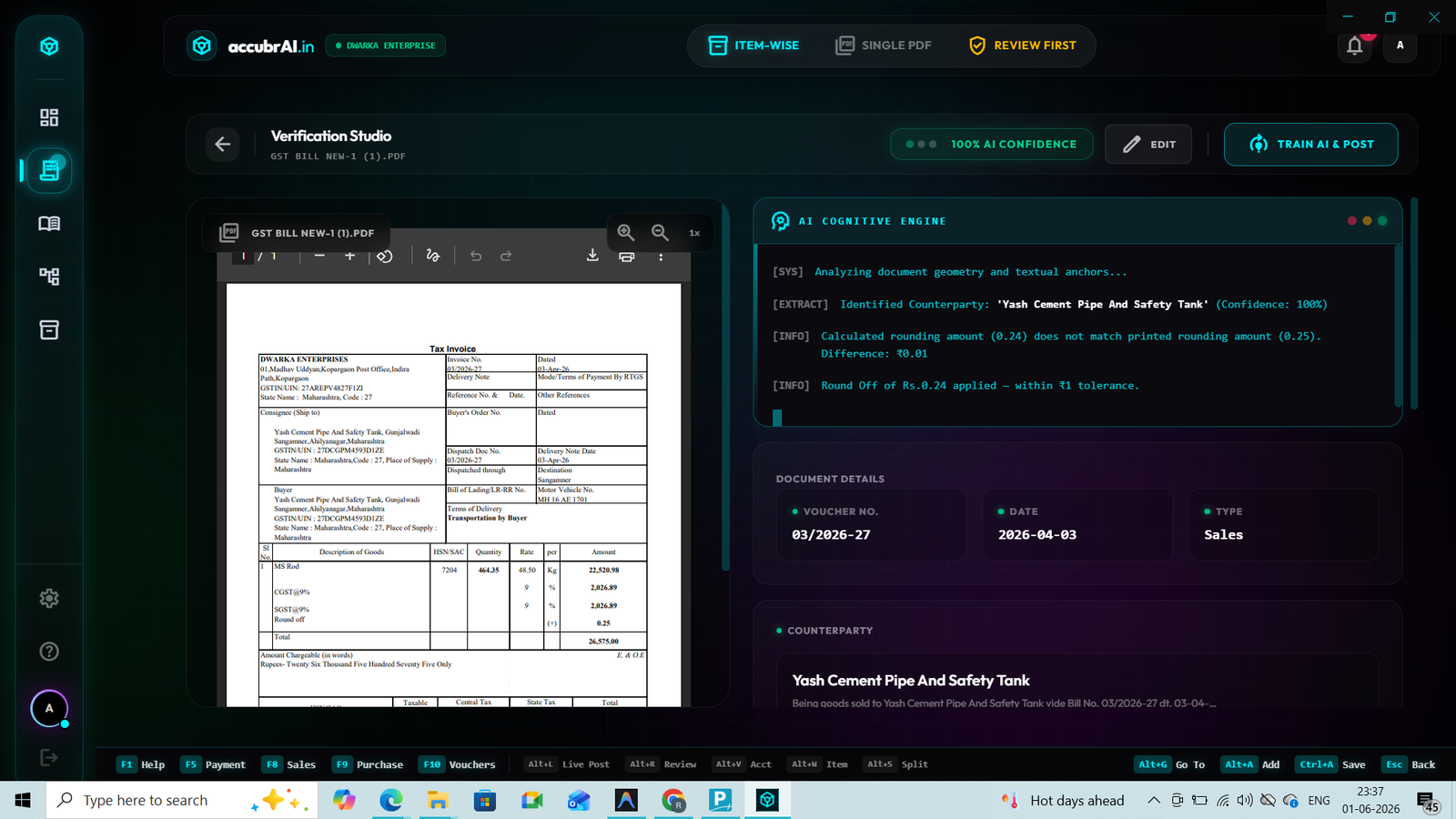
accubrAI replaces rigid templates with an intelligent Bank Reconciliation (BRS) AI Engine. When you upload an Excel or CSV file, our AI analyzes the headers and rows. It automatically identifies the Date, Narration, Debit, and Credit columns. It then performs a 3-way match: highlighting Matched, Unmatched Books, and Unmatched Bank entries.
AI Column Mapping
No more strict Excel formats. Upload any bank statement format (HDFC, SBI, ICICI). The AI auto-detects the structure instantly.
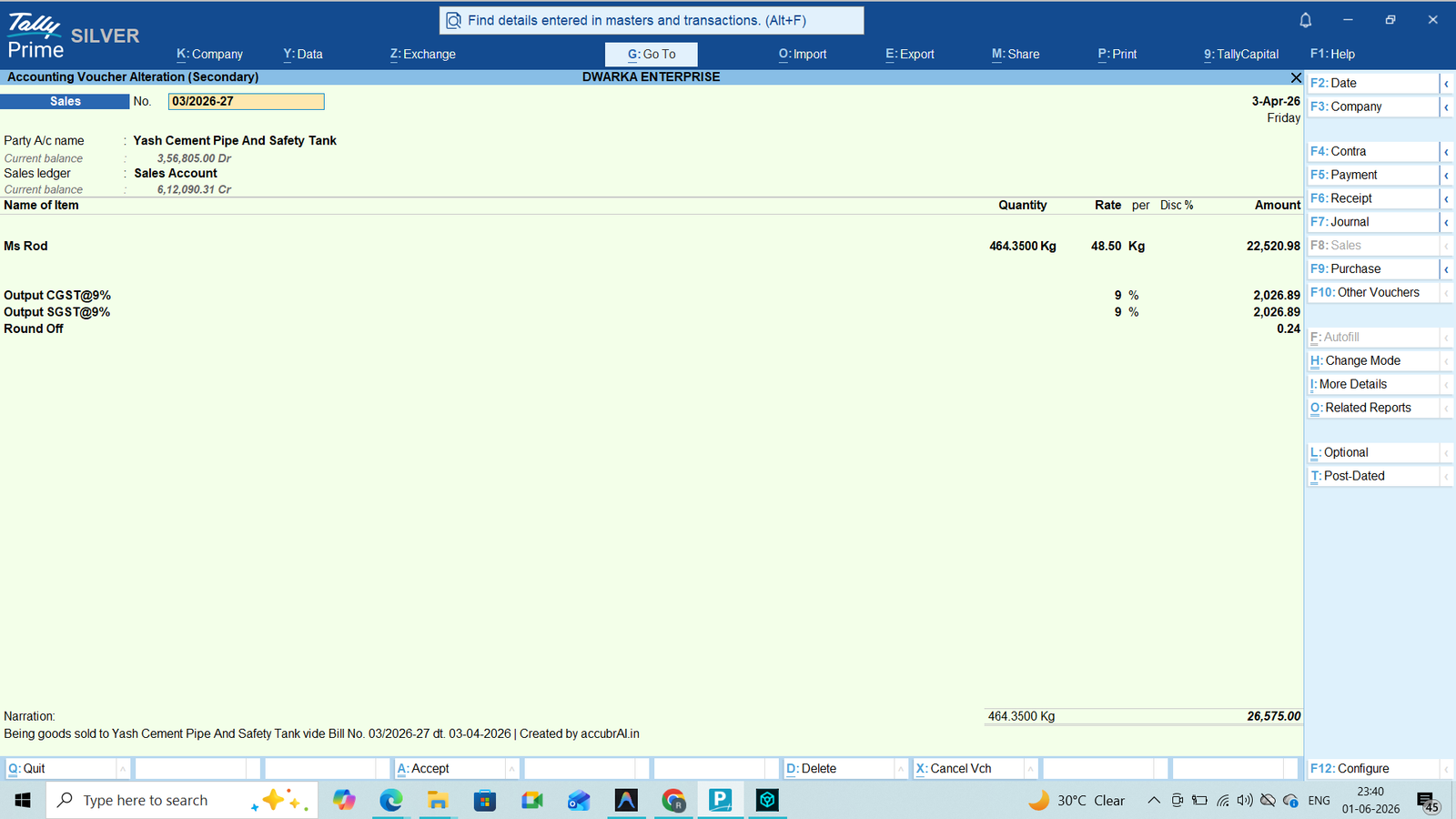
Direct Tally Prime Sync
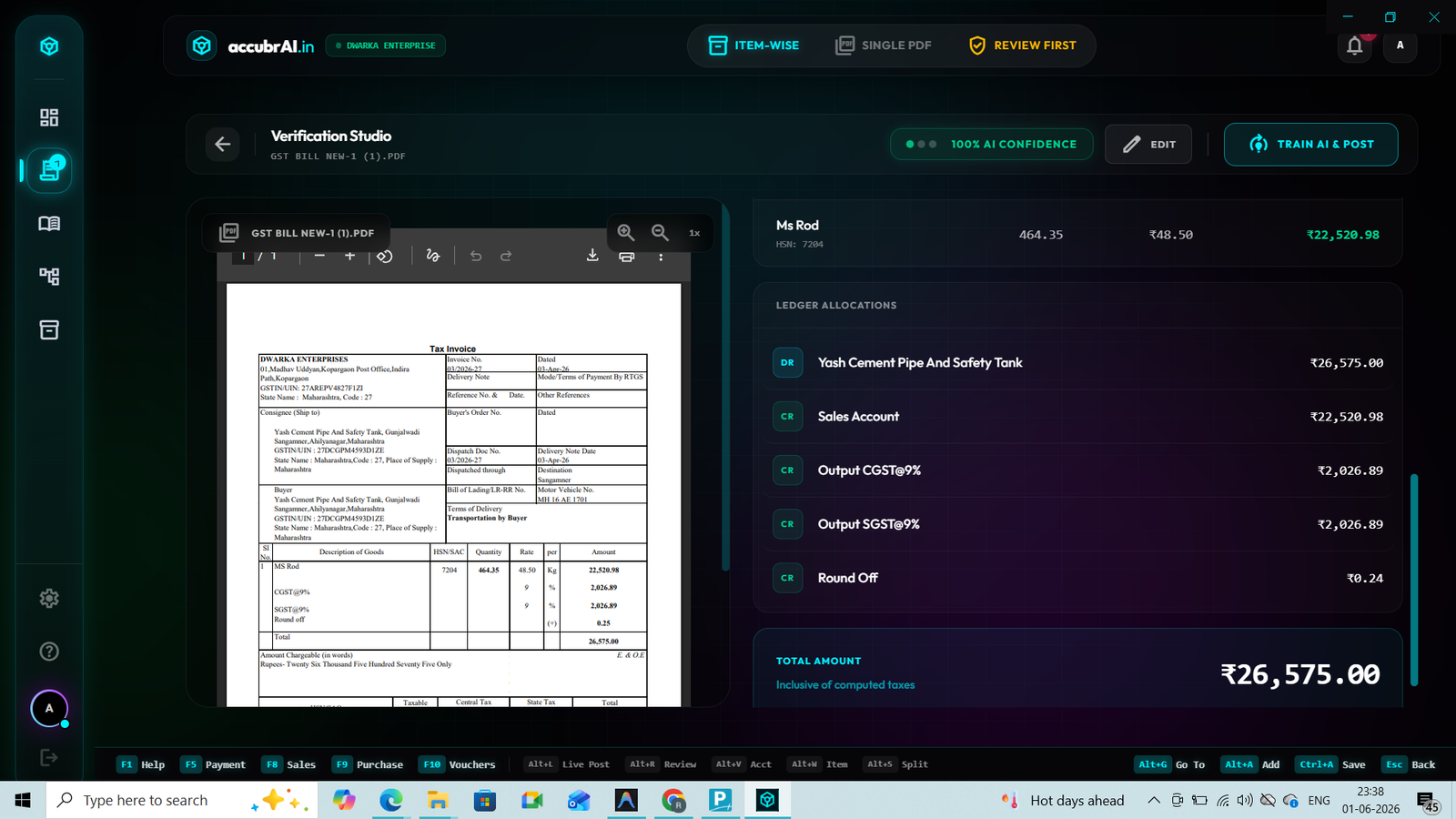
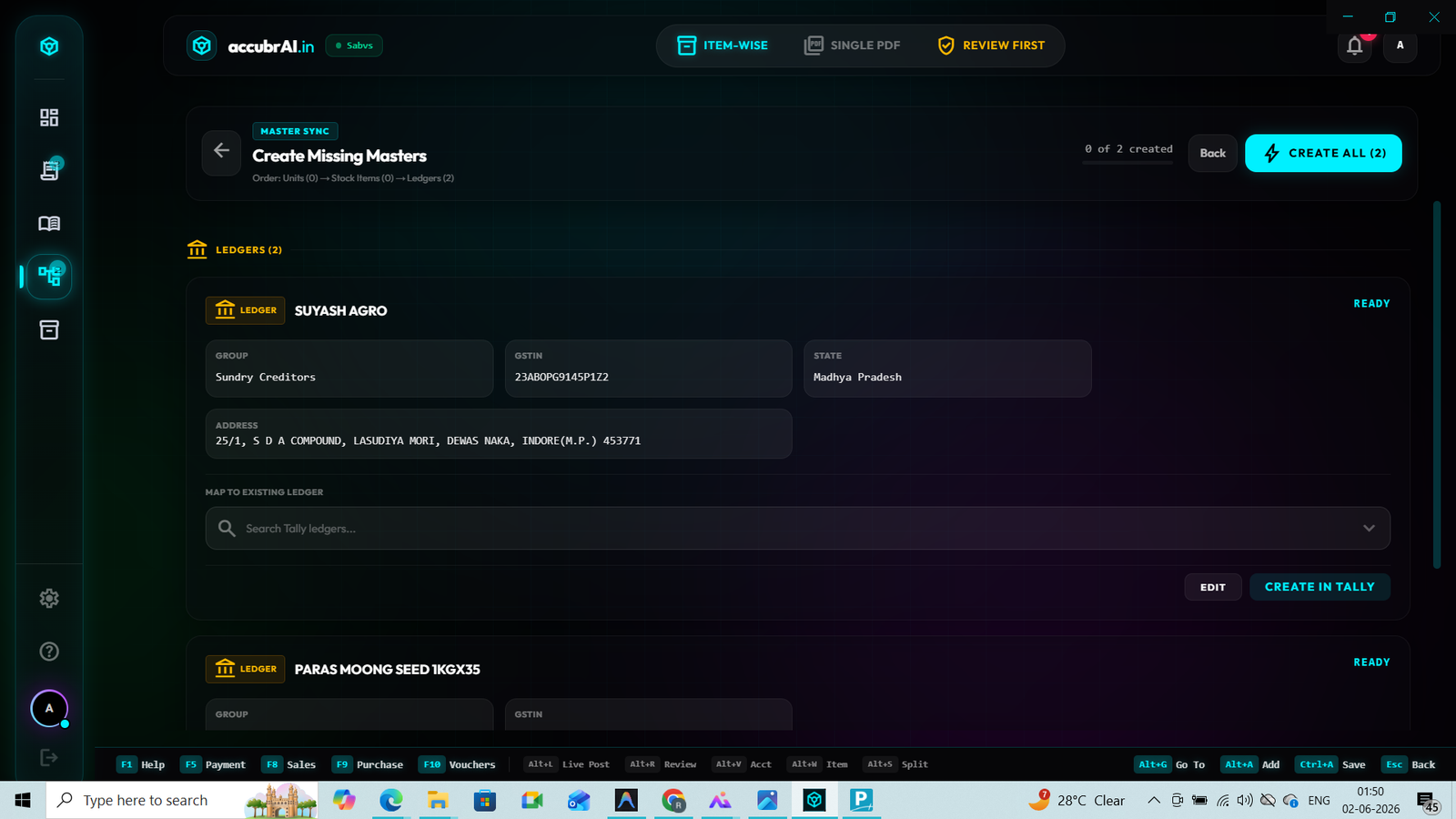
Forget XML files. Once you approve the BRS mapping, the data is pushed directly to Tally Prime via our Live API Sync. Zero intermediate steps.